Just launched: EZone AI Assist - generate high-quality exhibitor profiles in seconds. Learn more →

ASP Logo

Home Our Product Features Forms

Forms


Capture what matters most.

Forms let you collect registrations, exhibitor enquiries, sponsorship leads and visitor feedback directly within your event website.

A high-converting event website depends on seamless lead capture. Whether you are building pre-registration buzz, taking sponsor enquiries, or gathering visitor insights, custom forms turn anonymous site traffic into actionable leads.

No clunky external redirects or third-party embeds that risk drop-off. Forms live natively inside ASP’s website builder and the Back Office, giving your team total control over fields, workflows and submission routing.
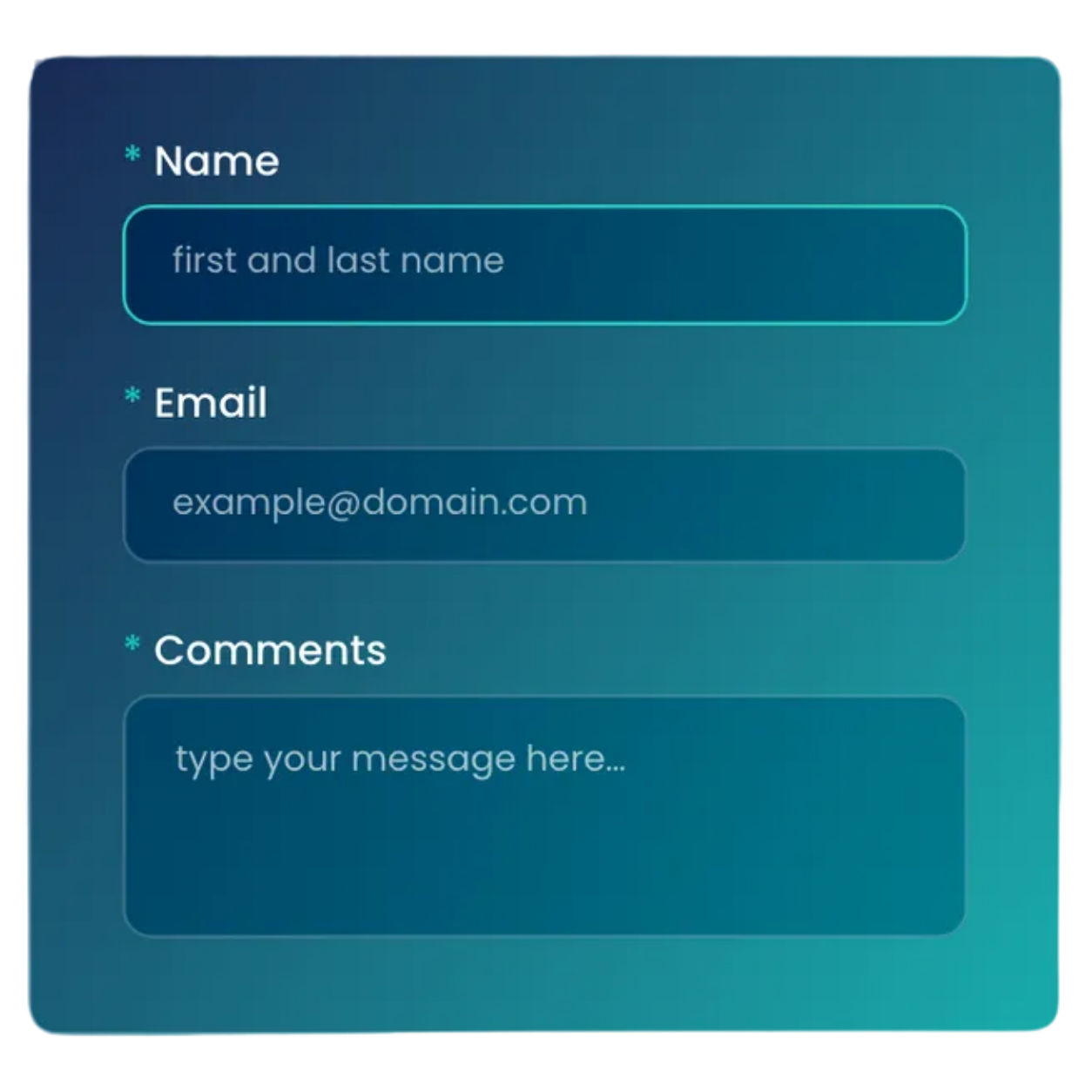

Request a Demo

The ASP Forms module an image with a screenshot of the ASP CMS (ShowOff) back office

One form, built to flex.

Your workhorse for everyday enquiry forms, brochure requests, contact pages and newsletter sign-ups. Hide the same form behind an exhibitor login to gate it to logged-in exhibitors only - no separate setup required.

Configure it once in Back Office and reuse it everywhere.

  • 1.

    Build your form

    Add the fields you need in Back Office
  • 2.

    Publish it your way

    Put it on a public page, or hide it behind an exhibitor login
  • 3.

    Manage responses

    Track and export submissions straight from Back Office

Why Forms matter.

Every form on your website is a commercial gateway.
Sending visitors to third-party tools increases drop-off, degrades site speed and breaks tracking. Native ASP Forms keep users immersed in your brand, lower submission friction and ensure data flows straight to your team. 

What you can do.

lines icon

Build with total field flexibility

Choose from dozens of field types - text, date pickers, checkboxes, phone and address fields - plus pre-configured CRM fields, country dropdowns, DPA options and file uploads.

process icon

Guide users with smart form routing

Route users dynamically based on their answers, using dropdowns or radio buttons to send respondents to specific stages, completion screens, or confirmation emails.

target icon

Structure for high conversion and accessibility

Clean, single-column layouts and accessible, persistent labels (W3C compliant) keep completion rates high. Add instructional text, mandatory field indicators and browser autofill.

stack boxes icon

Optimised for mobile devices

Over half your event site traffic is mobile. ASP Forms adapt automatically with 44px tap targets, custom keypads for email/phone fields and clean vertical spacing.

shield with tick icon

Protect your submissions from spam

Enable optional CAPTCHA verification challenges at the bottom of high-volume forms to filter out spam and keep your database clean.

graph icon

Track campaign ROI with source codes

Add Trace to Source (TTS) code fields to track marketing channels, partner links and campaign performance across your reporting.

Built for how event teams actually work.

speed bolt icon

Fast to deploy

Build a form in the Back Office, drop the Forms widget onto any page in ASP’s website builder and publish in minutes.

cogs icon

No technical skills required

Marketers and event operations teams can manage fields, question routing and form settings without developer support.

star in a circle icon

Brand consistent

Forms inherit your event theme's design guidelines automatically, matching fonts, button styles and brand colours.

lock icon

Data privacy ready

Built-in GDPR and DPA compliance controls give you full authority over privacy statements and opt-in consent.

FAQs

No. You can create, edit and configure forms directly within the Back Office and embed them onto your pages using ASP’s website builder widgets.

Yes. Form routing lets you direct users to specific secondary question stages, custom completion messages, or tailored email confirmations depending on the options they select.

Yes. Selecting the Exhibitor Zone form type allows you to integrate forms directly into task checklists, set completion deadlines and auto-populate exhibitor profile information.

Yes. Forms follow W3C UX best practices, using single-column layouts, clear labels above fields, 44px minimum tap targets and full screen-reader support.

Yes. You can add "Image Only" or "Image or File" question types so respondents can upload PDFs, logos, or media files directly through the form.

Ready to turn site traffic into event registrations?

Talk to your Customer Success Team about getting started with Forms, or explore what else ASP’s website builder can do.  
Contact Us

Let's Talk Websites!

Get a personalised demo of our events website platform and designs. Our focus is on showing you how it works for your specific needs - no sales pitch, just an informative and practical walkthrough.

Drop in yours details and we'll be in touch!

DPA Information
ASP uses the information you provide to us to contact you about our relevant content, products, and services. You may unsubscribe from these communications at any time. For more information, check out our privacy policy.