Just launched: EZone AI Assist - generate high-quality exhibitor profiles in seconds. Learn more →

ASP Logo

Home Our Product Features Galleries

Galleries


Show, don't just tell.

Galleries let visitors explore your event's key moments, past highlights and atmosphere at a glance, right from your event website.

A great event website does more than list sessions and sponsors. It brings your event to life before anyone's booked a ticket. Galleries give visitors a clear, visual sense of what to expect: the energy of the show floor, the calibre of the speakers, the moments that made last year's event memorable.

No separate tool. No clunky uploads. Galleries live inside Composer, alongside everything else on your event website.

Request a Demo

The ASP Gallery module an image with a screenshot of the ASP CMS (ShowOff) back office

See it in action - Four layouts, one module.

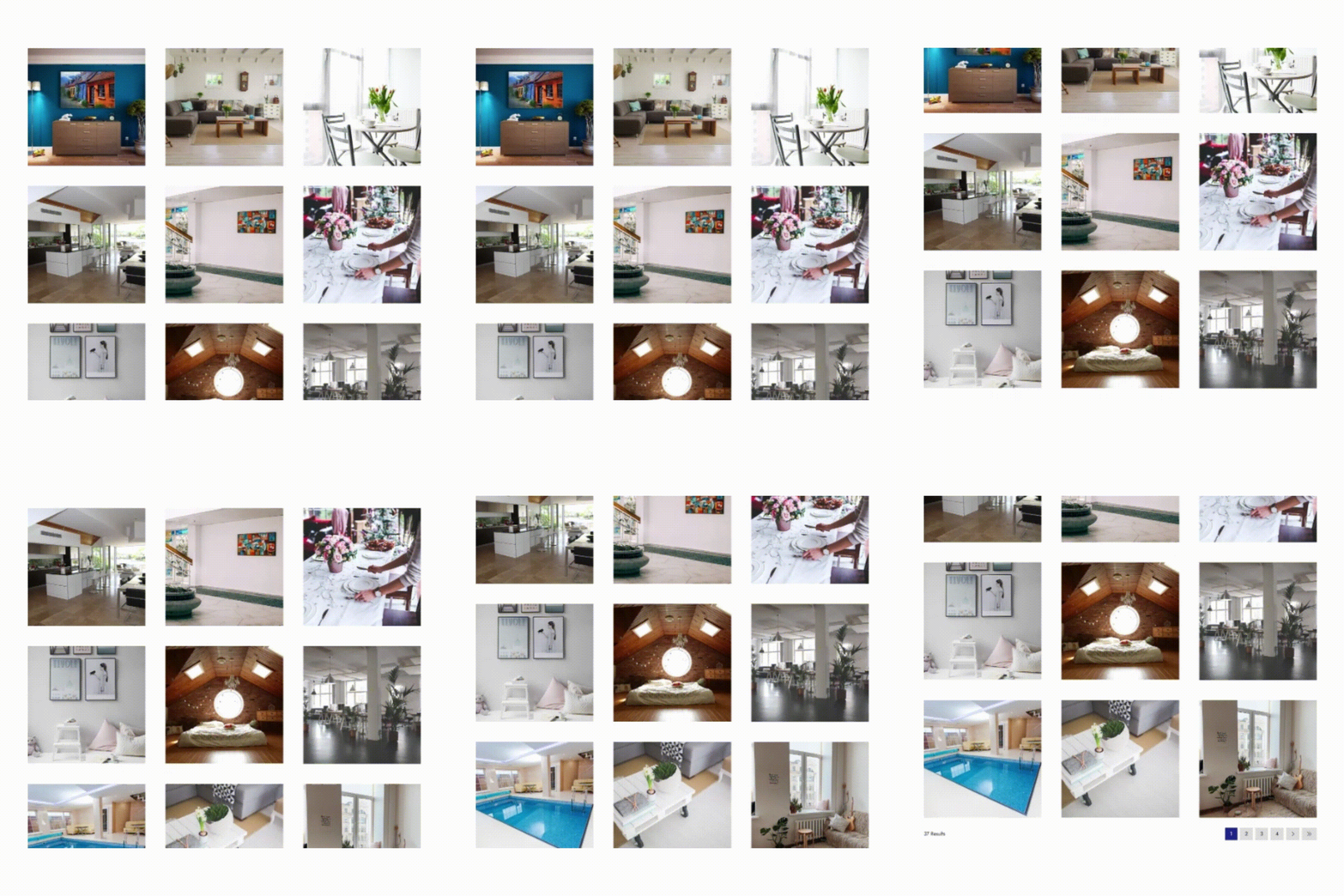
Grid

Clean and uniform. Best for consistent-shaped photos like headshots, stands or product shots.

See example here →

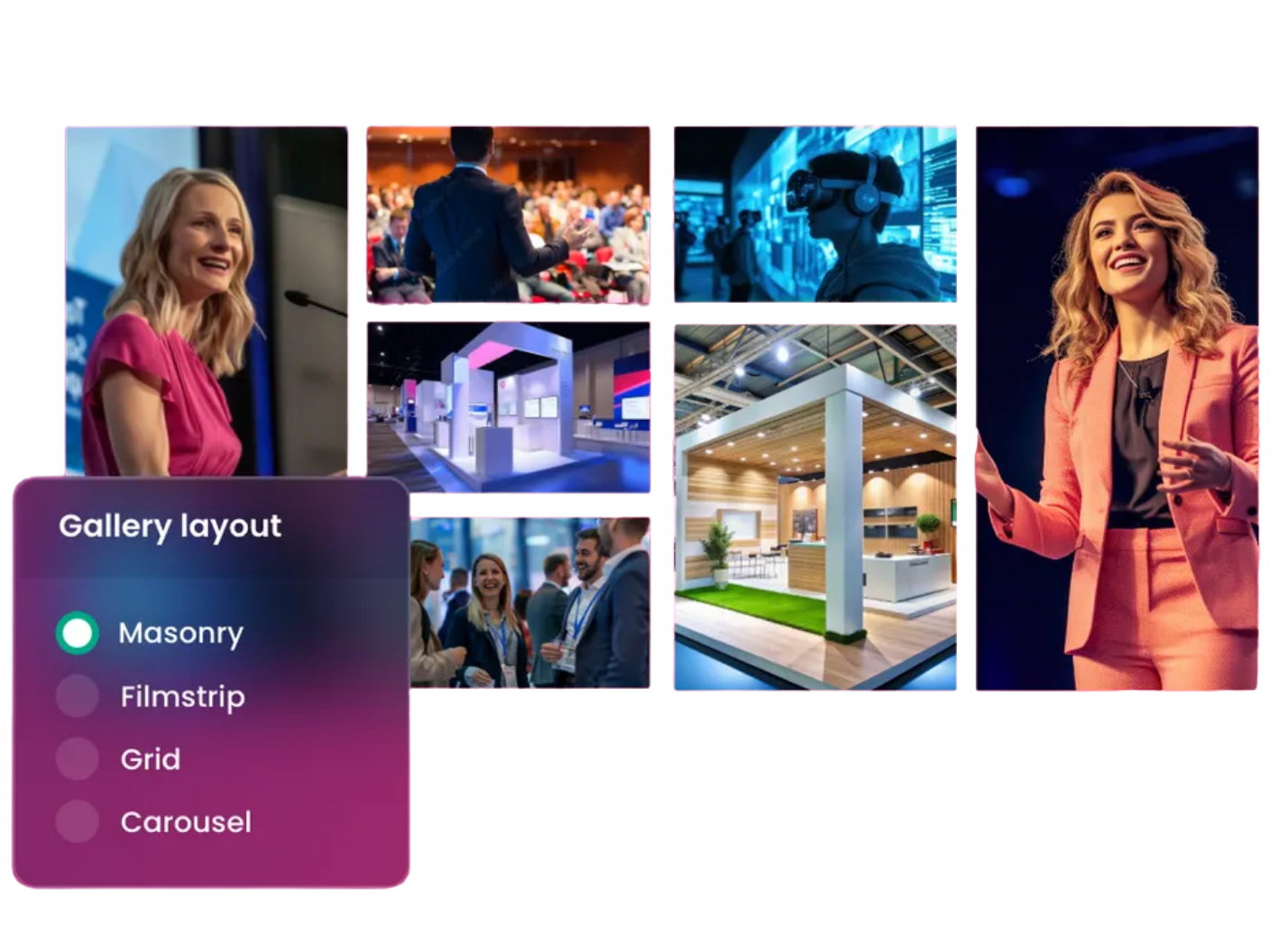
Masonry

Images keep their own proportions and tile together. Best for a mix of portrait and landscape shots, or when you want a busier, more editorial feel.

See example here →

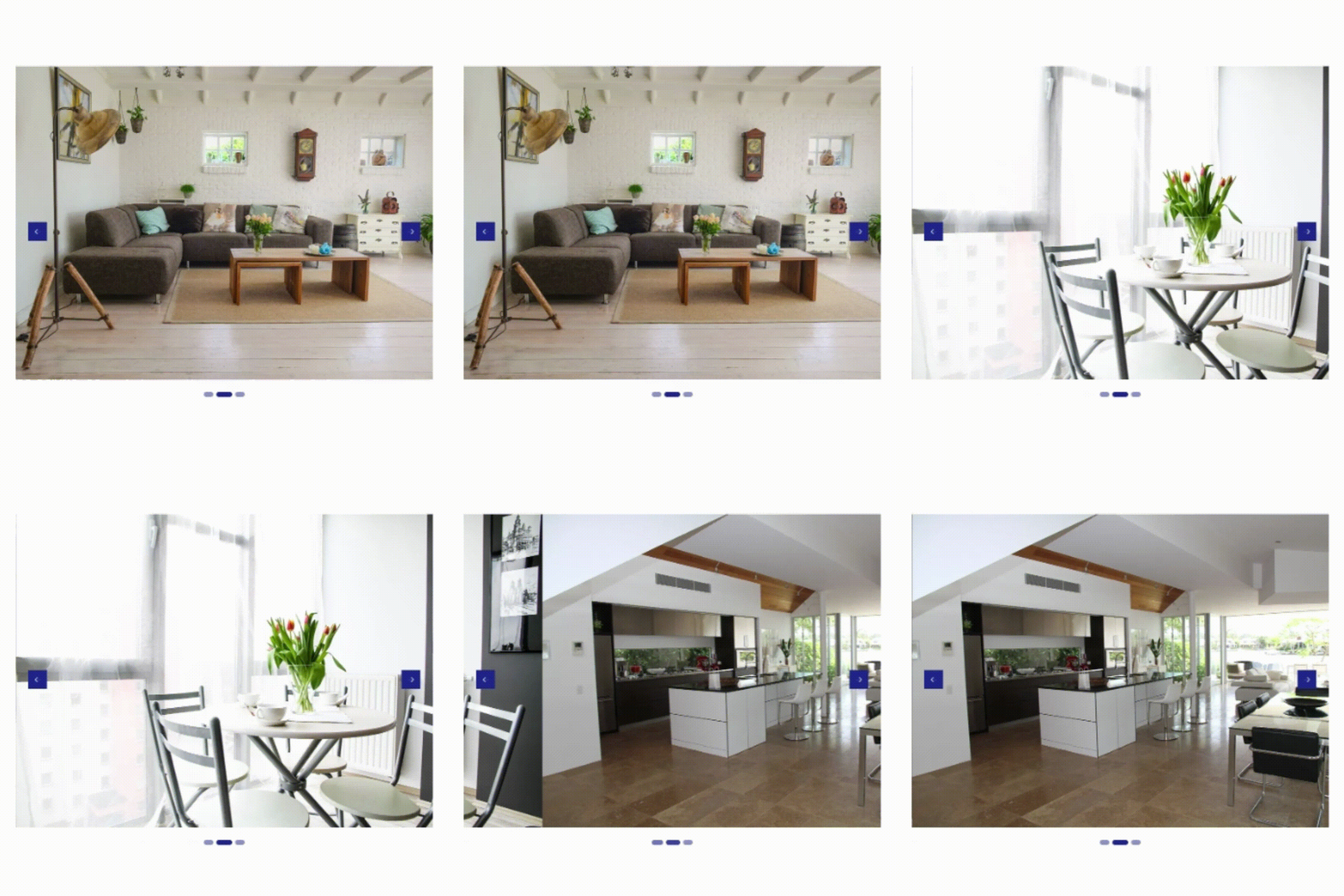
Carousel

A single scrolling line of images. Best for hero banners or homepage highlights where space is tight.

See example here →

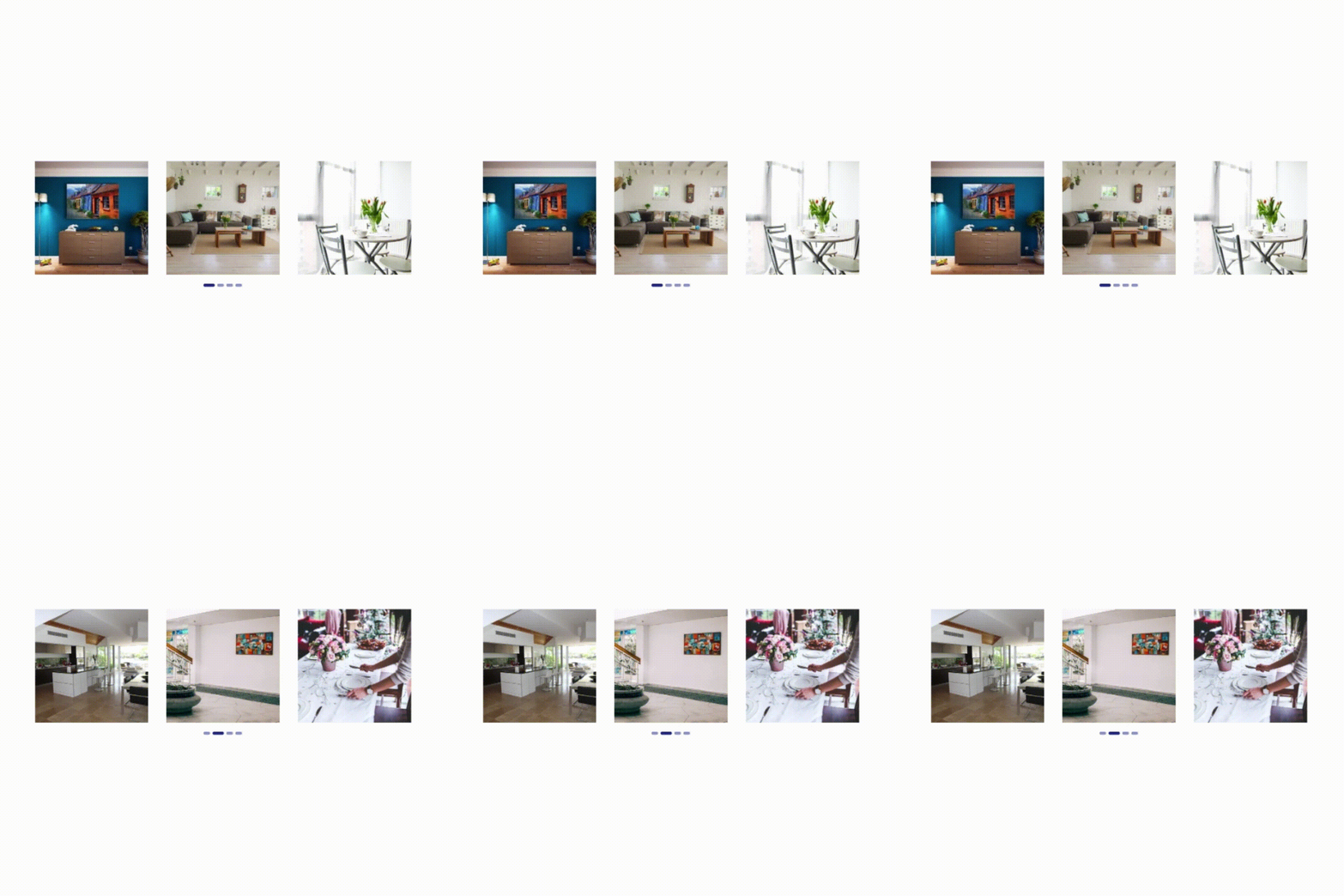
Filmstrip

A strip of thumbnails alongside a larger featured image. Best for guiding visitors through a set of images in sequence, like a highlights reel.

See example here →

Why Galleries matter.

Your event website is your most important digital asset.

Every registration, exhibitor enquiry and sponsor impression flows through it and visuals do a lot of that persuading.
A strong gallery builds trust and momentum before a visitor reads a single line of copy.

Built to fit how you already work.

upload

Upload and organise in minutes

Drag and drop images straight into a gallery, or select files from your computer. Every image uploads into a consistent gallery template. Reorder any time with a simple drag and drop.

pencil

Edit images without leaving the module

Crop, rotate, flip or resize directly in ASP's website builder. Lock proportions, or adjust height and width independently. Choose how a resize fits: stretched, scaled, or cropped.

boxes

Choose the layout that fits your content

Pick from four layouts: Grid, Masonry, Carousel or Filmstrip. Switch between them any time, no rebuild required.

magnifying glass

Choose how visitors view your images

Set how images open when clicked: in a popup with title and sharing options, as a full page, or not at all if you'd rather keep it to thumbnails only.

image optimisation

Optimise each gallery for search

Add SEO keywords and a description specific to each gallery, so your event's visual content is searchable too, not just your text pages.

calendar

Control when a gallery goes live

Set a publish date and an expiry date, so a gallery only appears exactly when you want it to. Toggle between published and draft any time.

No developer required, ever.

bolt icon

Fast to update

Add this year's photos or swap last year's in minutes.

tick box icon

Easy to use

No technical skill needed. If you can use the website builder, you can manage a gallery.

stack icon

Consistent across your site

One module, used on your homepage, archive and speaker pages.

magnifying glass icon

Findable, not just visible

Gallery-level SEO helps your visual content show up in search.

graph icon

Built with performance in mind

Set images per page to keep loading times fast on mobile.

FAQs

No. Galleries are managed entirely within ASP's website builder, so your marketing team can upload, edit and reorder images without technical support.

Yes. Crop, rotate, flip and resize images directly within the gallery, without needing separate design software.

Yes. Choose Grid, Masonry, Carousel or Filmstrip per gallery, so your homepage and your past-events page can look different if you want them to.

Yes. Choose whether images open in a popup, on a dedicated page, or not at all, giving you control over the visitor experience.

Yes. Each gallery has its own SEO keywords and description, so it can be optimised separately from the rest of your site.

Yes. Set a publish date and an expiry date, or simply toggle a gallery between published and draft at any time.

Keep an eye on how many images you show per page. The Galleries module lets you set this in Gallery Options, and keeping it sensible (for example, 18 to 24 images per page for a 6-across grid) helps loading times stay fast, especially on mobile.

Yes, once a Gallery is built, you can place it wherever it's useful across your site.

Ready to bring your event to life visually?

Talk to the Customer Success Team about adding Galleries to your event website, or explore what else ASP’s website builder can do.


Contact Us

Let's Talk Websites!

Get a personalised demo of our events website platform and designs. Our focus is on showing you how it works for your specific needs - no sales pitch, just an informative and practical walkthrough.

Drop in yours details and we'll be in touch!

DPA Information
ASP uses the information you provide to us to contact you about our relevant content, products, and services. You may unsubscribe from these communications at any time. For more information, check out our privacy policy.