Just launched: EZone AI Assist - generate high-quality exhibitor profiles in seconds. Learn more →

ASP Logo

Home Our Product Features Libraries

Libraries


One tool, endless content.

Your event website holds more content than any single page can carry - sponsors, products, news, brochures, videos, testimonials. Without structure, that content becomes scattered, hard to maintain and easy to overlook.

Libraries give you a single, reusable way to manage it all. Add content once, then display it anywhere on your site filtered, categorised and automatically kept up to date.

The result is a website that stays organised as it grows, and content that keeps working for you long after it's published.


Request a Demo

The ASP Library module an image with a screenshot of the ASP CMS (ShowOff) back office

Why Libraries matter for website performance.

Search engines and AI tools don't reward event websites that go quiet between shows. They reward sites with depth that have structured, current pages which are genuinely useful to the people reading them.

Libraries are one of the most direct ways to build that depth. Every entry you add, such as a product, a news update, a sponsor profile, is a new, indexable page that gives your website more to be found for and more reason for visitors to stay.

Because libraries are structured rather than one-off pages, that content stays consistent and easy to manage even as your site scales. Update an entry once and it updates everywhere it appears, including your homepage, a filtered list, the Exhibitor Zone, wherever you've placed it.

Library content is also exactly the kind of content worth keeping live rather than clearing out between events. A product, sponsor or session entry that's still driving traffic a year after it was added is doing more for your site than a fresh page that starts from zero every cycle.

In short: Libraries turn your website from a static shop window into a year-round, self-updating content asset.

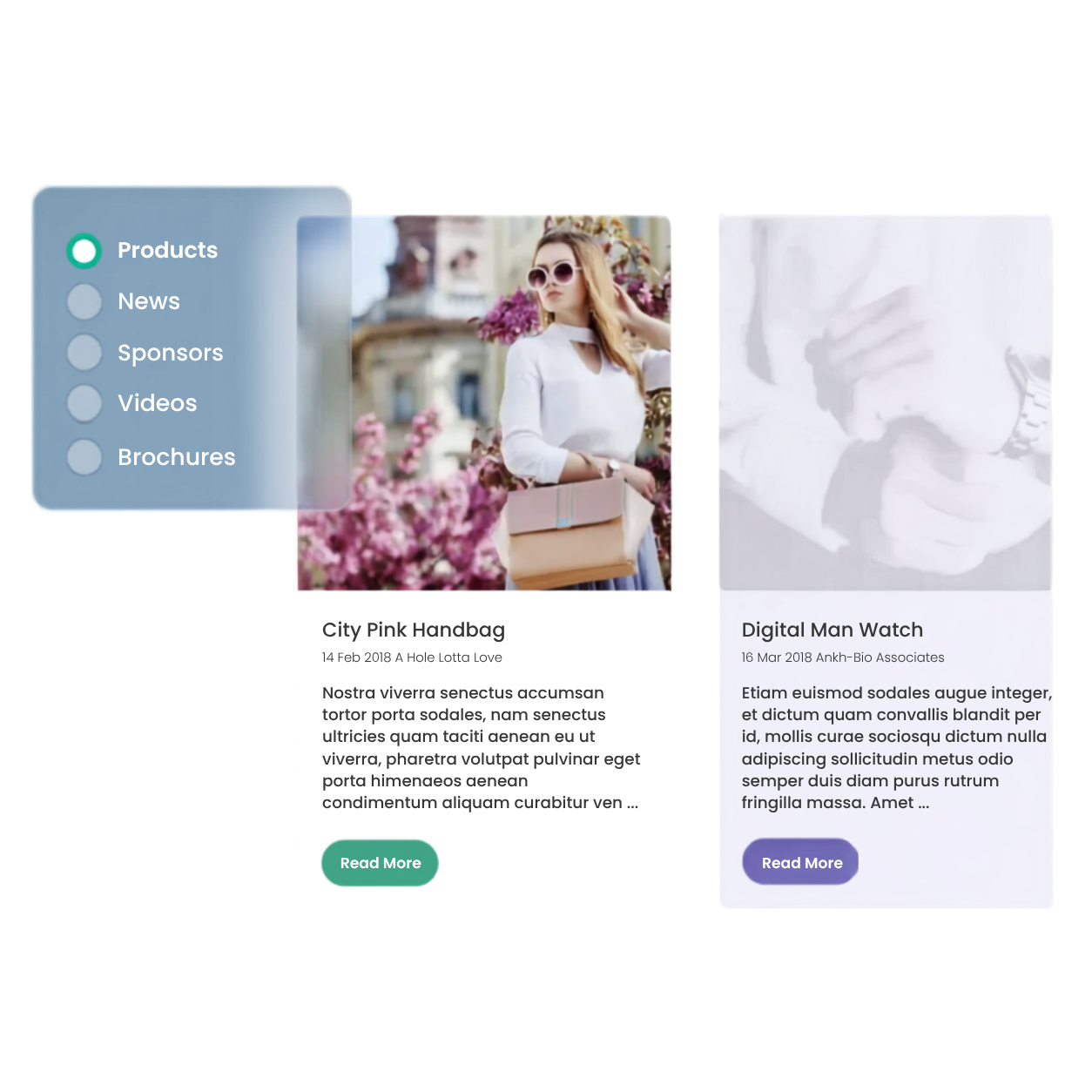
What Libraries give you.

filter svg icon

Organised, searchable and easy to update content.

Manage everything from one place in the Back Office.

arrows reload svg icon

Consistency across your site.

Edit an entry once and it updates everywhere it's displayed.

funnel filter svg icon

Help your visitors find what they need quickly.

Use search, filters and multiple layout options.

grid view svg icon

Reusability: the same content in different ways.

Show a News library on your homepage and again on a dedicated updates page, using different layouts or segments.

The types of Libraries.

This is where libraries earn their place as one of the most flexible modules in ASP's website builder. The built-in library types below come ready-made with the right fields for the job but because a library is really just a structured, filterable collection of content, you're not limited to the obvious uses.

NEWS

Press & updates

Press releases, blog-style updates, announcements.

Holds: title, image, date, author, summary

PRODUCTS

Showcases & listings

Product or service showcases, exhibitor listings.

Holds: title, multiple images, description

SPONSORS

Partners & sponsors

Sponsor and partner logos and profiles.

Holds: name, logo, external link

BROCHURES

Downloads

Whitepapers, guides, programmes.

Holds: title, description, image, download link

VIDEOS

Recordings

Session recordings, interviews, promo content.

Holds: title, thumbnail, video embed

News libraries are the most flexible of the five because they support the widest range of display layouts (grid, carousel, overlay, spotlight, masonry), which makes them a good starting point if you're repurposing a library for something outside its original use.

Beyond the obvious.

Every library type can be renamed, restyled and repurposed. A few examples worth stealing.

Resource hub

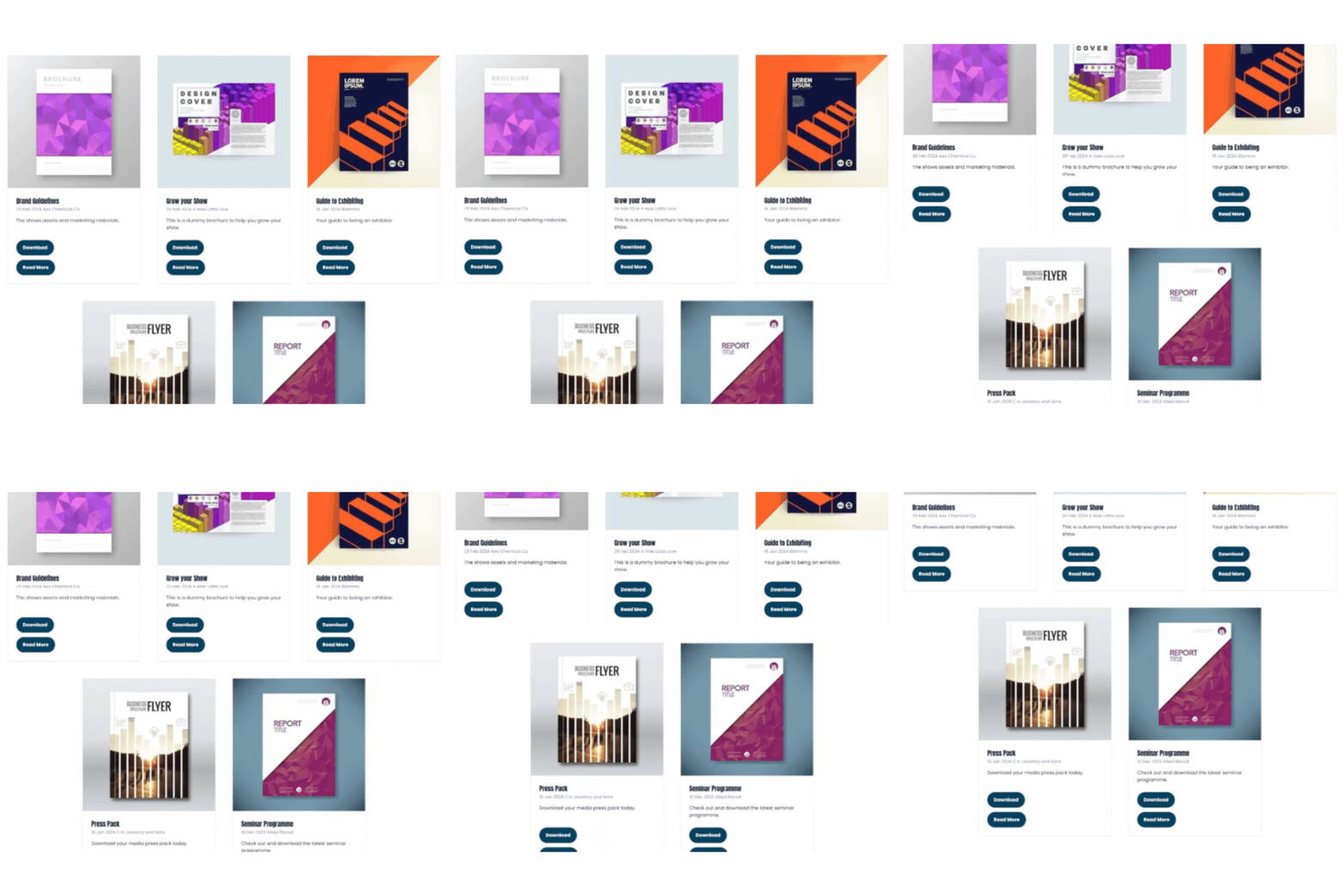
A Brochures library holding session guides, sponsor packs, floor plans and programme PDFs, all filterable and downloadable in one place instead of static links.
 

See a seminar programme managed this way →

Exhibitor showcase

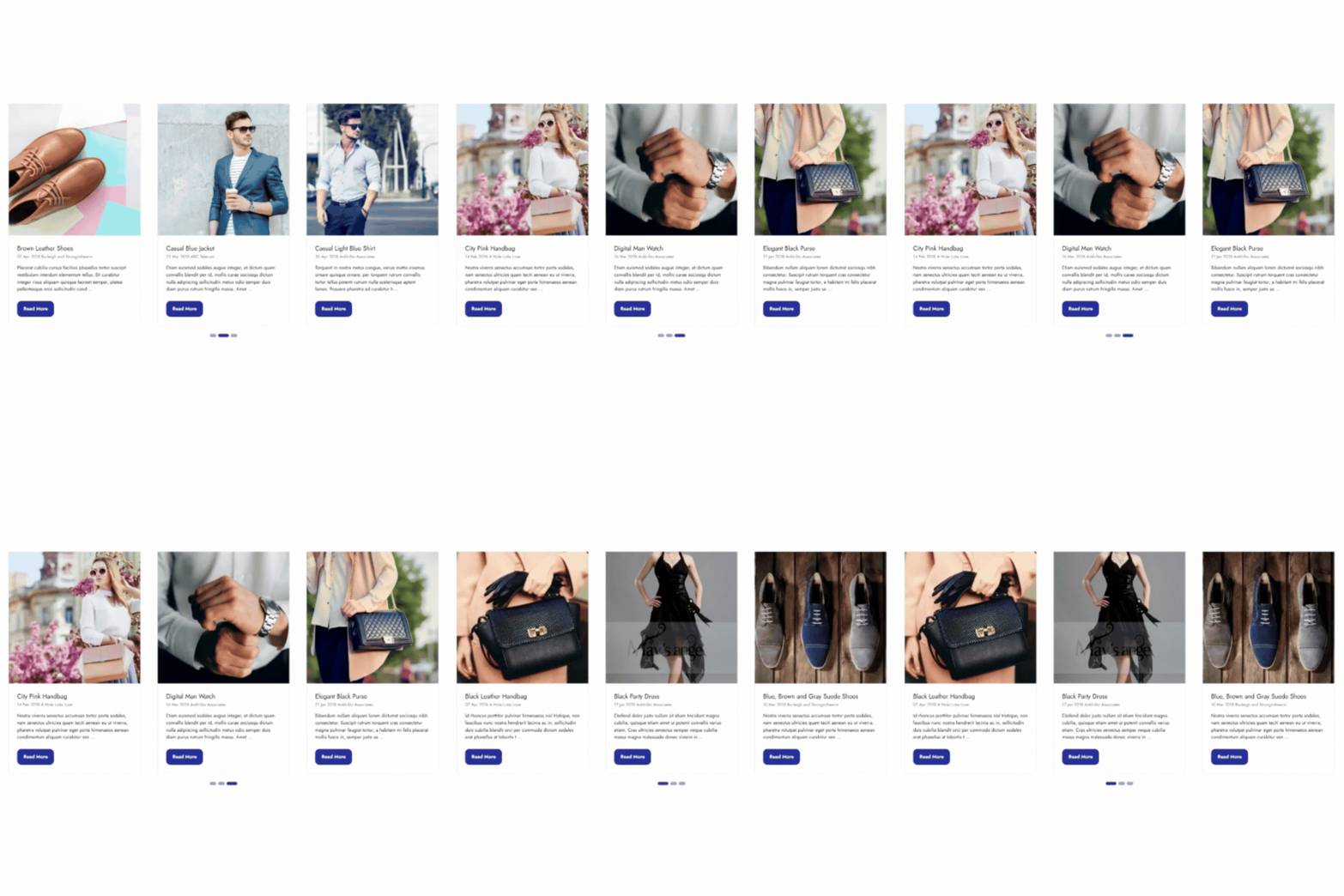
A Products library with a carousel layout that lets visitors browse featured products without leaving the page.


See it in carousel view →

Partner directory

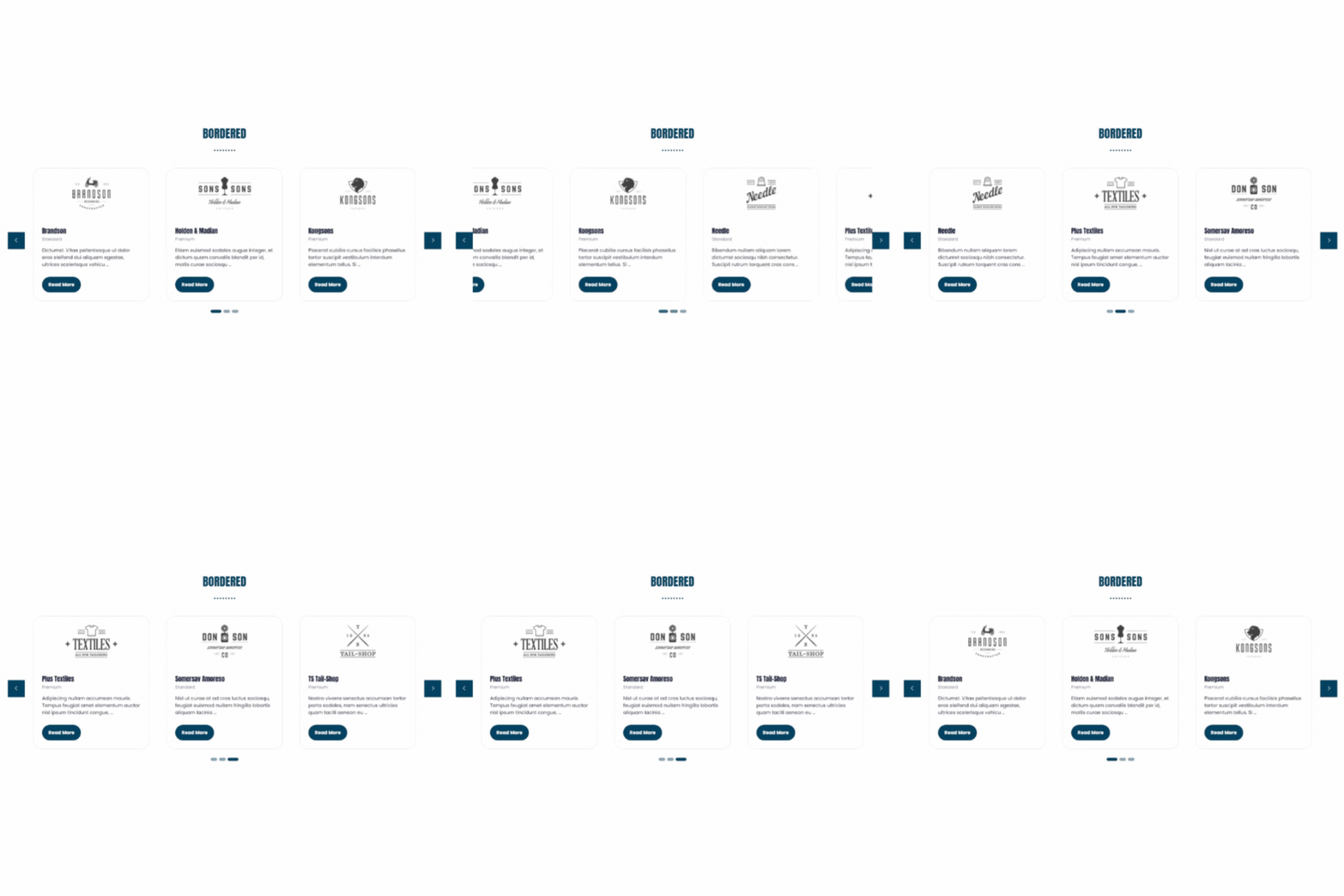
A Sponsors library filtered by sponsorship tier, with each entry linking straight through to the sponsor's own profile or site.
 

See it in grid view →

On-demand hub

A Videos library holding session recordings, sponsor interviews and highlight reels, kept live and searchable long after the event ends.
 

See a video content hub →

Got an idea of your own?

If you can picture it as a filterable list of similar content, there's a good chance a library is the right tool for it.

See it in action.

Product Library as a Carousel View

See how exhibitor products can be showcased in a scrollable, browsable format.

View live example →

Brochures as a Resource Library

See how downloadable content, like a seminar programme, can sit inside a structured library rather than a static PDF link.

View live example →

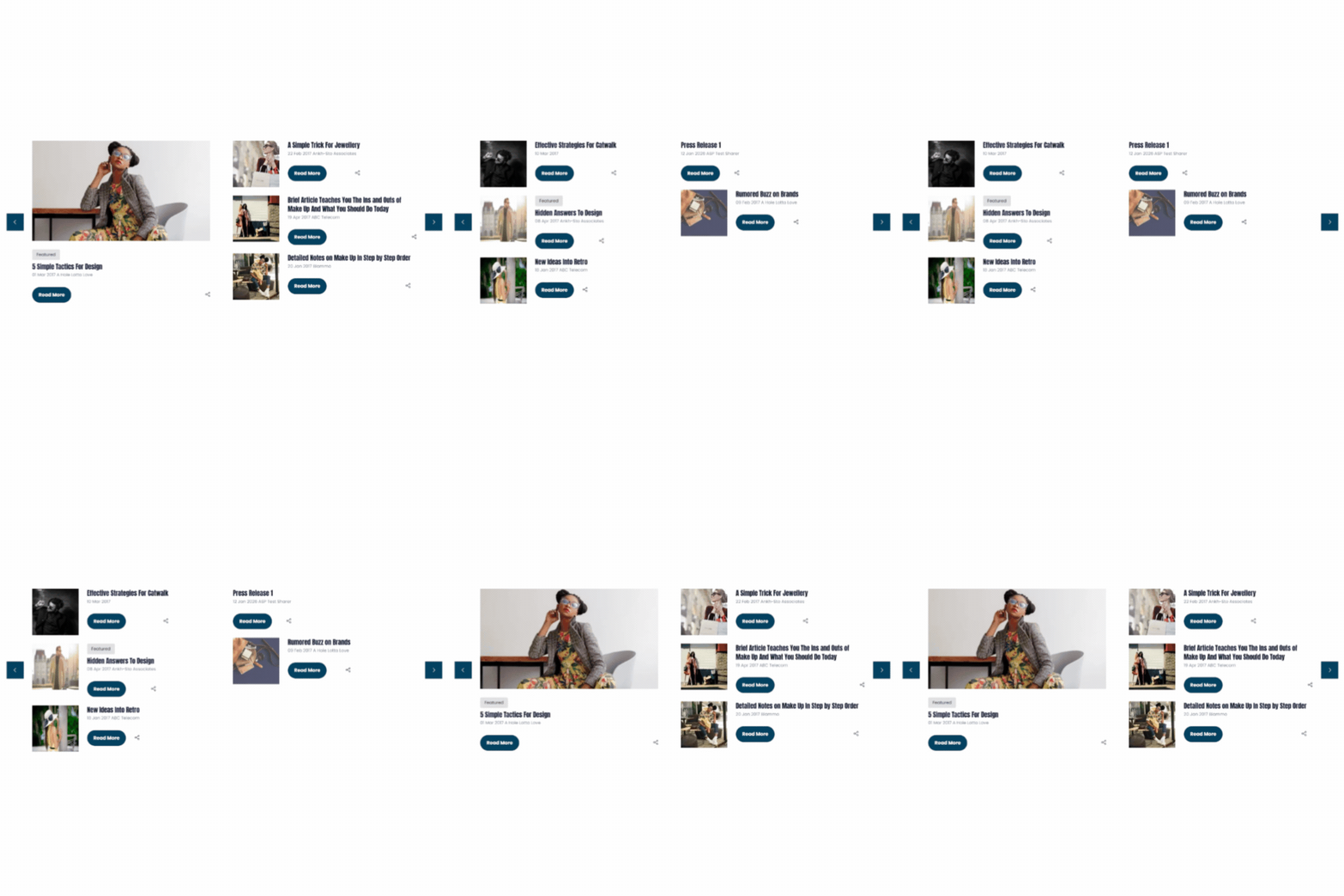
News Library as a Spotlight View

See how a news or press library can lead with a featured story, then drop into a browsable list behind it.

View live example →

Sponsors Library as a Carousel View

See how sponsor logos and profiles can scroll through a clean, on-brand carousel rather than sitting in a static grid.

View live example →

GET MORE FROM WHAT YOU ALREADY HAVE

Turning video and audio into lasting website value.

A recorded session is only working for you once, right up until you turn it into something a Video or News library can hold onto.

Repurposing a recording into a written summary, a transcript or a set of speaker highlight quotes doesn't just make it more accessible. AI tools prioritise structured, written content when deciding what to cite, so a transcript or summary gives ChatGPT, Perplexity and Google's AI Overviews far more to work with than a video alone, and gives visitors who'd rather skim than watch a reason to stay on the page.

Once that content lives in a library, it keeps generating value long after the live session ends: as a searchable asset, a sponsor-supported article, or content for a related-content section elsewhere on your site. 

Read more on turning existing AV content into long-term website value →

Part of a connected content ecosystem

Libraries don't sit in isolation, they connect to the rest of your event website.

stack icon

Exhibitor Zone integration

Libraries can be switched on within Exhibitor Zone Groups, letting exhibitors upload their own products, brochures or videos into a library you control.

duplicated icon

Reusable across your site

The same library can appear on multiple pages in different layouts, with no duplicated content to maintain.

magnifying glass icon

Built for search & AI discovery

Structured, categorised content gives search engines and AI tools the clear signals they need to understand and surface your site.

artboard icon

Managed entirely in-house

No developer required to add, edit or reorganise content.

FAQs

A regular page holds fixed content that you edit directly. A library holds a collection of similar entries, products, news items, sponsors, that you manage centrally and can display, filter and reuse across multiple pages. Update an entry once, and it updates everywhere it's shown.

Yes. Libraries can be enabled within specific Exhibitor Zone groups, so exhibitors can upload their own products, brochures or videos into a library you control, without giving them access to the rest of your Back Office.

As many as your event needs. It's common to run several libraries side by side such as News, Products, Sponsors and Videos for example, each with its own categories, fields and display layout.

Yes. Choose whether images open in a popup, on a dedicated page, or not at all, giving you control over the visitor experience.

Yes. A single library can be displayed as a grid on one page and a carousel or spotlight layout on another, without duplicating any content.

Yes. Each library entry is a structured, indexable page in its own right. Categorising and filtering content properly also gives search engines and AI tools clearer signals about what your site covers. This supports visibility both in traditional search and in AI-driven discovery.

Let's Talk Websites!

Get a personalised demo of our events website platform and designs. Our focus is on showing you how it works for your specific needs - no sales pitch, just an informative and practical walkthrough.

Drop in yours details and we'll be in touch!

DPA Information
ASP uses the information you provide to us to contact you about our relevant content, products, and services. You may unsubscribe from these communications at any time. For more information, check out our privacy policy.